BaselineLab in ChatGPT

Turn a question into an example you can explore

Learn HTML and CSS through conversation and experimentation. Ask for an example, change its settings and observe what the browser does.

See how BaselineLab works in ChatGPT in 45 seconds. Starts muted; sound is available through the controls. Spanish video with English subtitles enabled.

Read the video content

A question, an experiment: learn HTML and CSS inside ChatGPT. Search for what you want to learn and filter the catalog by category. In CSS Grid, change the items from nine to six and observe the result. Inspect and copy the generated HTML and CSS. Share the settings with ChatGPT and ask about your changes: the model confirms there are six items and the HTML has removed the last three. The model receives changes when you share them. Open the full lab in BaselineLab, keeping six items, three columns and a 24 px gap. Learn by experimenting: HTML and CSS, free, in Spanish and English. More information at baselinelab.dev/chatgpt. The video contains only instrumental music: “Cipher” by Kevin MacLeod (incompetech.com), licensed under CC BY 4.0 (creativecommons.org/licenses/by/4.0), with adjusted volume and fades.

What you can do with the plugin

Skip to the steps

Find what you want to learn

Search for a property or an idea and filter by category across twenty HTML and CSS labs, each with its Baseline status. Version 0.8.0 adds filter, backdrop-filter, background-image, light-dark(), contrast-color(), transform 2D and dialog.
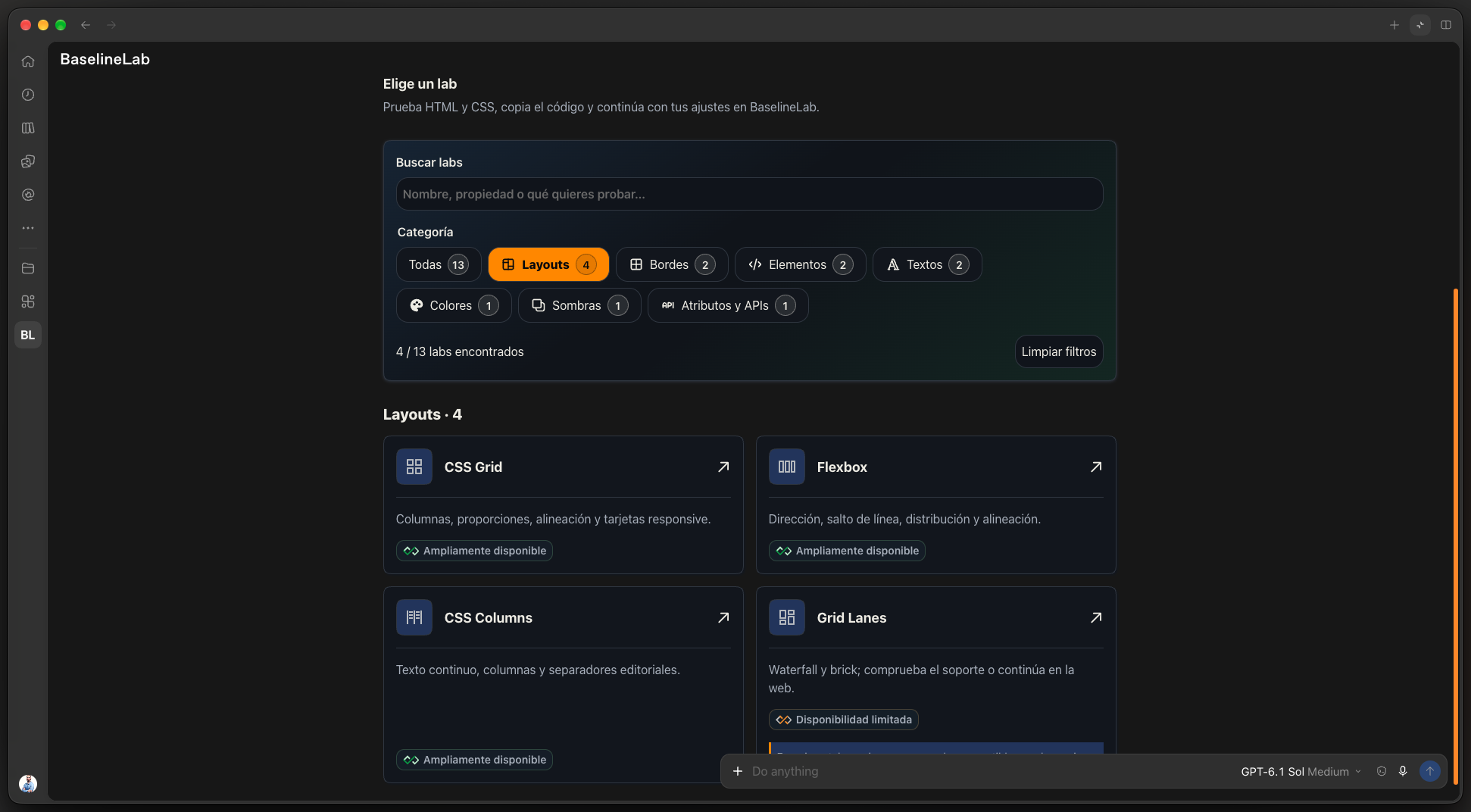
Plugin catalog filtered by Layouts, with search, categories and Grid, Flexbox, Columns and Grid Lanes cards. Spanish interface.

Change values and see the result

Adjust the lab controls and compare the result instantly. Try different options or change the preview width to explore how the example responds.

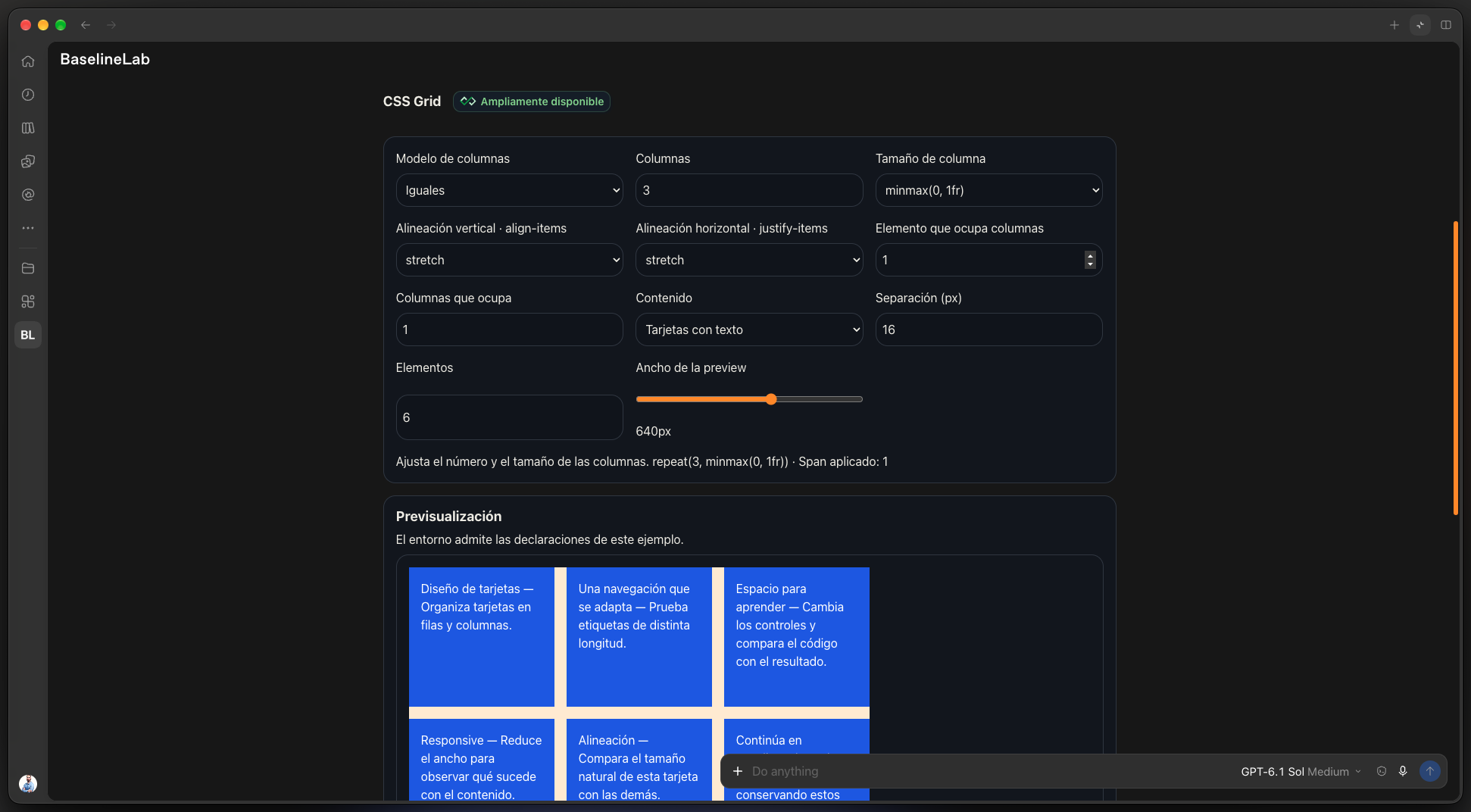
CSS Grid controls for columns, alignment, gaps and preview width, alongside the result. Spanish interface.

Take the code and continue on the website

Inspect and copy the generated code in the formats each lab offers. Open the example in BaselineLab to continue with the same settings and access its full set of options.

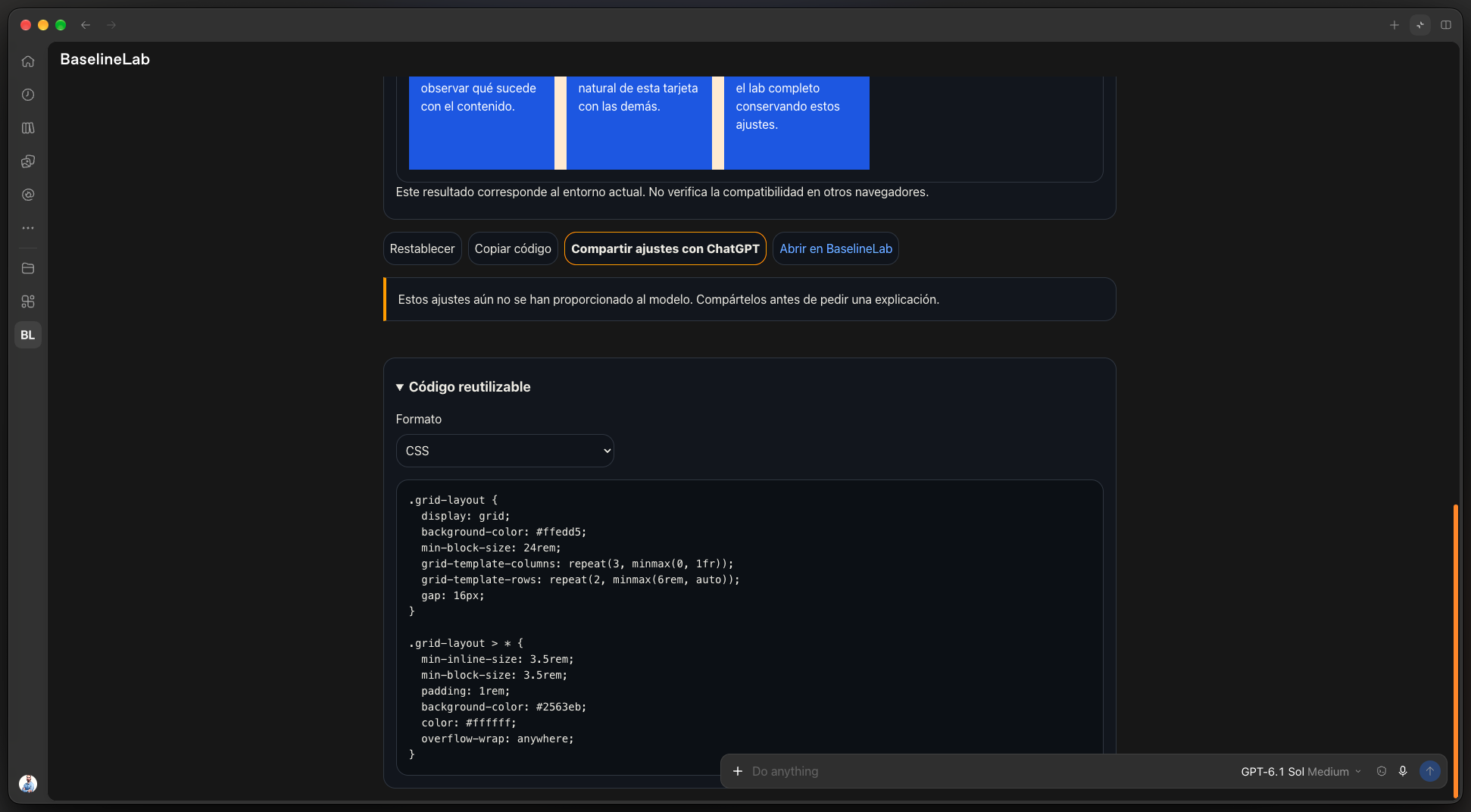
Generated CSS panel with actions to copy code, share settings and open the example in BaselineLab. Spanish interface.

Ask about your own changes

When you want an explanation, share your settings with ChatGPT and ask about them. The lab notice tells you when there are changes waiting to be shared.

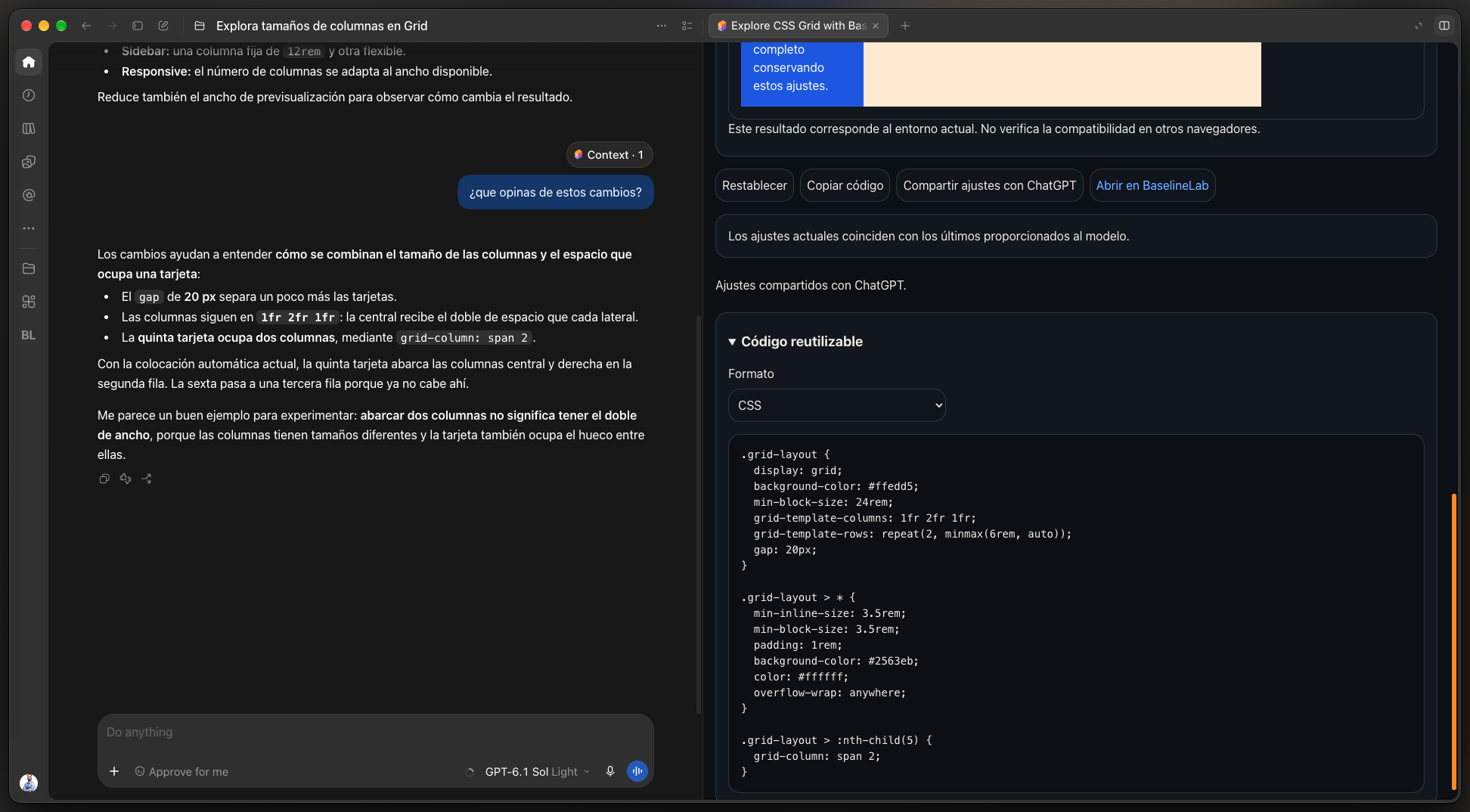
ChatGPT explains changes to gaps and the columns spanned by a card; the lab confirms the settings have been shared. Spanish interface.

Ask. Adjust. Understand.

  1. Install BaselineLab in ChatGPT

    Add the plugin from its listing in the ChatGPT directory. You can then use it in your conversations.

  2. Start with a question

    Ask for a specific example or open the catalog. Search by name or learning goal and filter by category.

  3. Experiment with the controls

    Change values and compare the preview with its HTML and CSS. Each lab keeps its settings while you switch examples in the session.

  4. Share when you want an explanation

    Press “Share settings with ChatGPT” to provide the model with your current configuration. The notice tells you when changes are pending.

  5. Continue in BaselineLab

    Open the lab link to continue with the same settings on the website and access its full set of options.

Before you start

Does the model see every change I make?

It receives settings from the examples it requests and changes you share with the button. Local edits remain pending until you share them. Keep personal data and secrets out of example text.

Can I write arbitrary HTML or run JavaScript?

Labs provide guided, validated settings. They do not include a free-form editor or run user-provided scripts. Some examples allow custom text, which is escaped when generating HTML.

Do I need a BaselineLab account?

The plugin does not request a BaselineLab account. ChatGPT access and plugin installation depend on the host’s terms and availability.